The Kodi Remote
for iPhone.
A free, privacy-first remote for your Kodi media center. Browse your addons, follow what's playing on your Lock Screen, and control it all with a remote you don't have to look at.

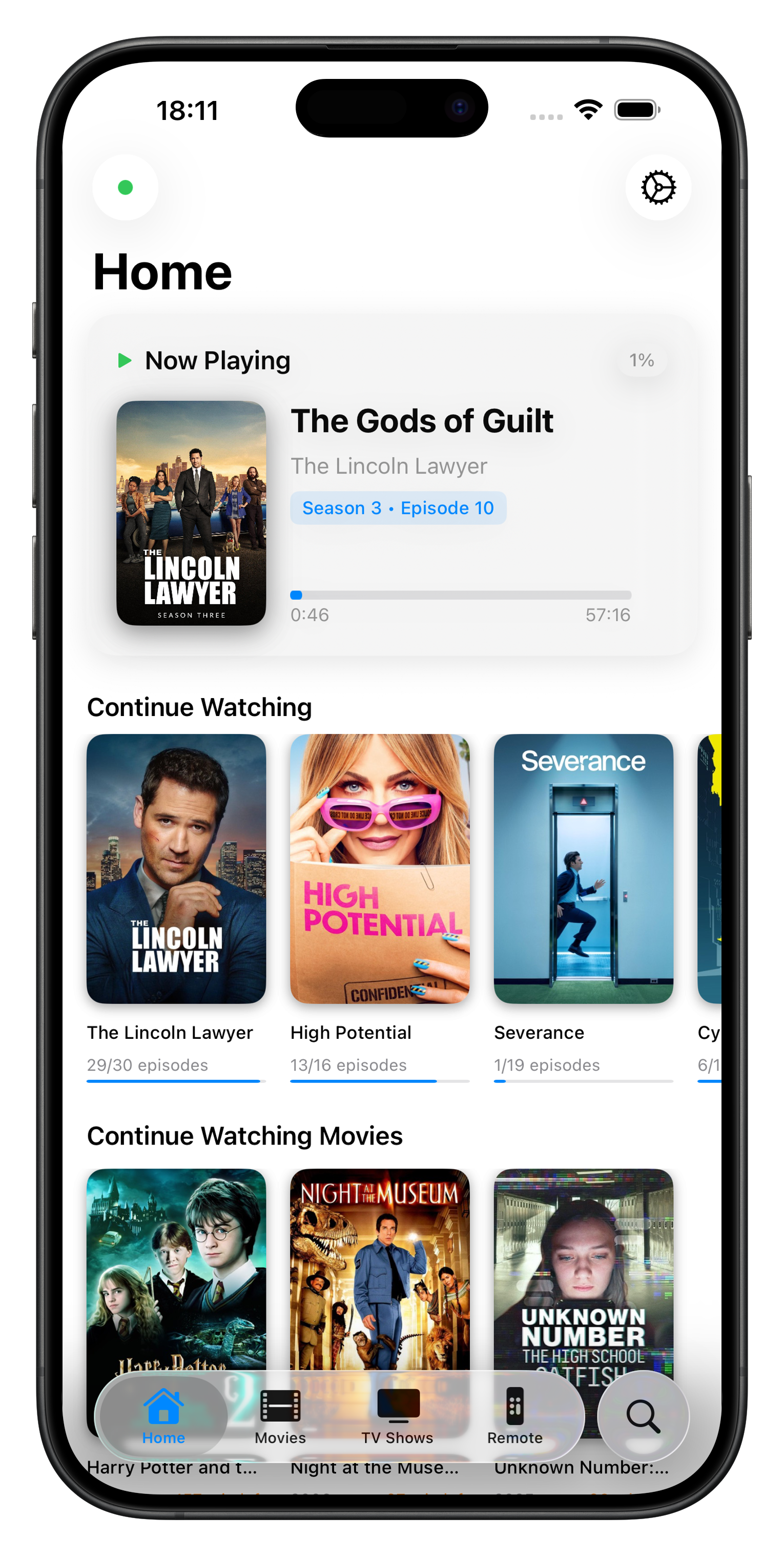
Set up your Kodi remote in seconds.
Download
Get Koda for free on the App Store.
Connect
Make sure your iPhone is on the same WiFi as Kodi.
Control
Koda finds your device instantly. You're done.
The Kodi remote iPhone deserves.
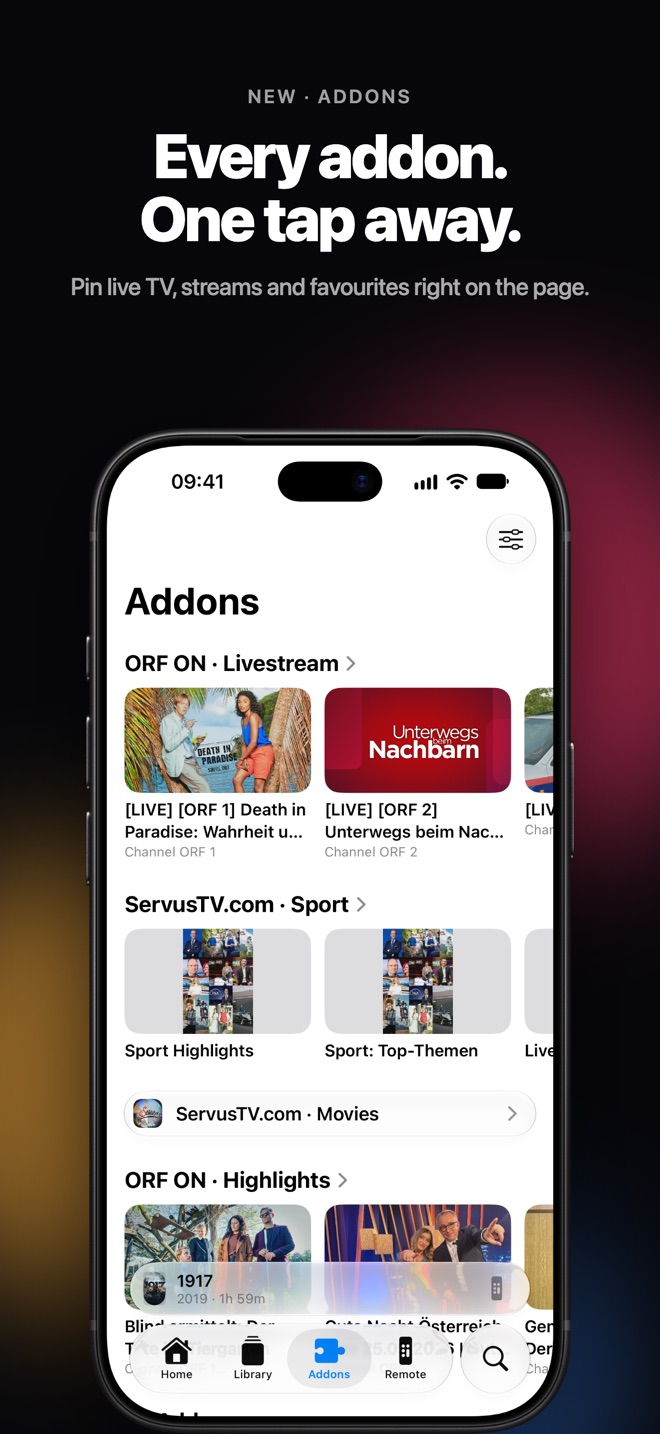
Every Addon, One Tap Away
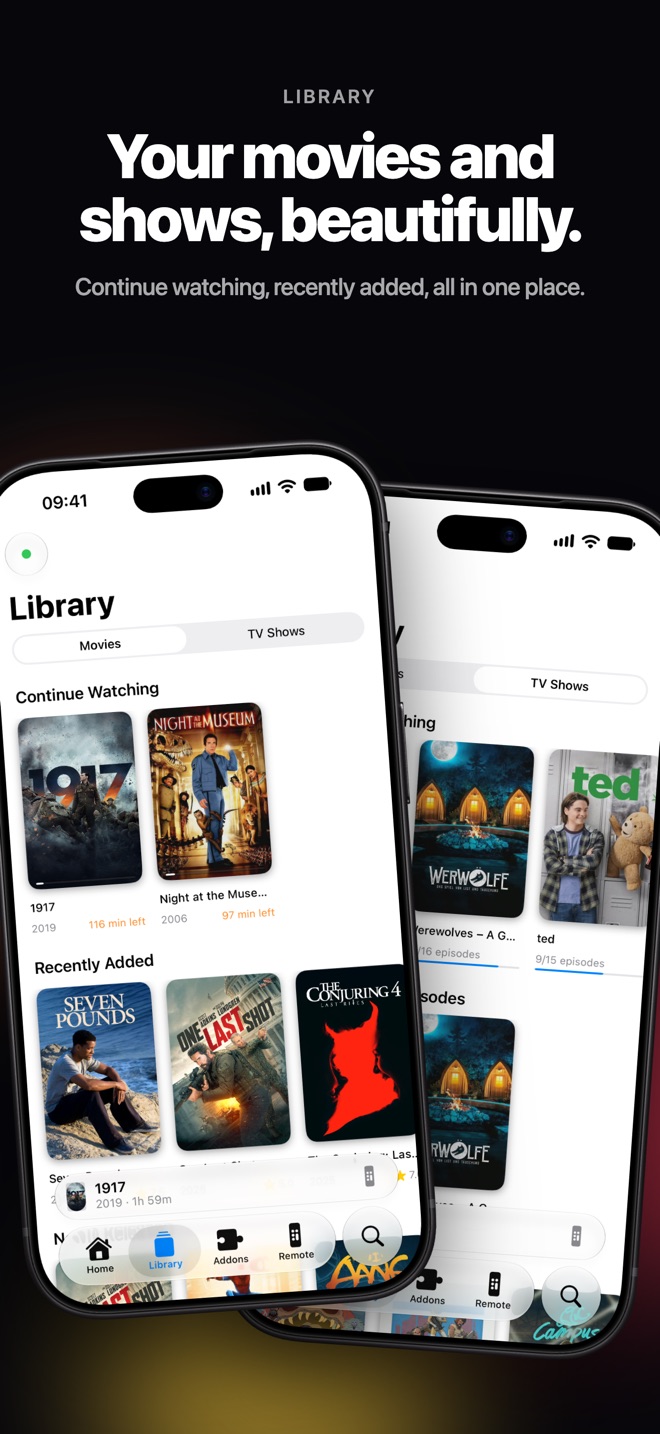
New in 2.0. Browse any Kodi addon right in the app and pin live TV, streams or favourites as rows on the page.
Live on Your Lock Screen
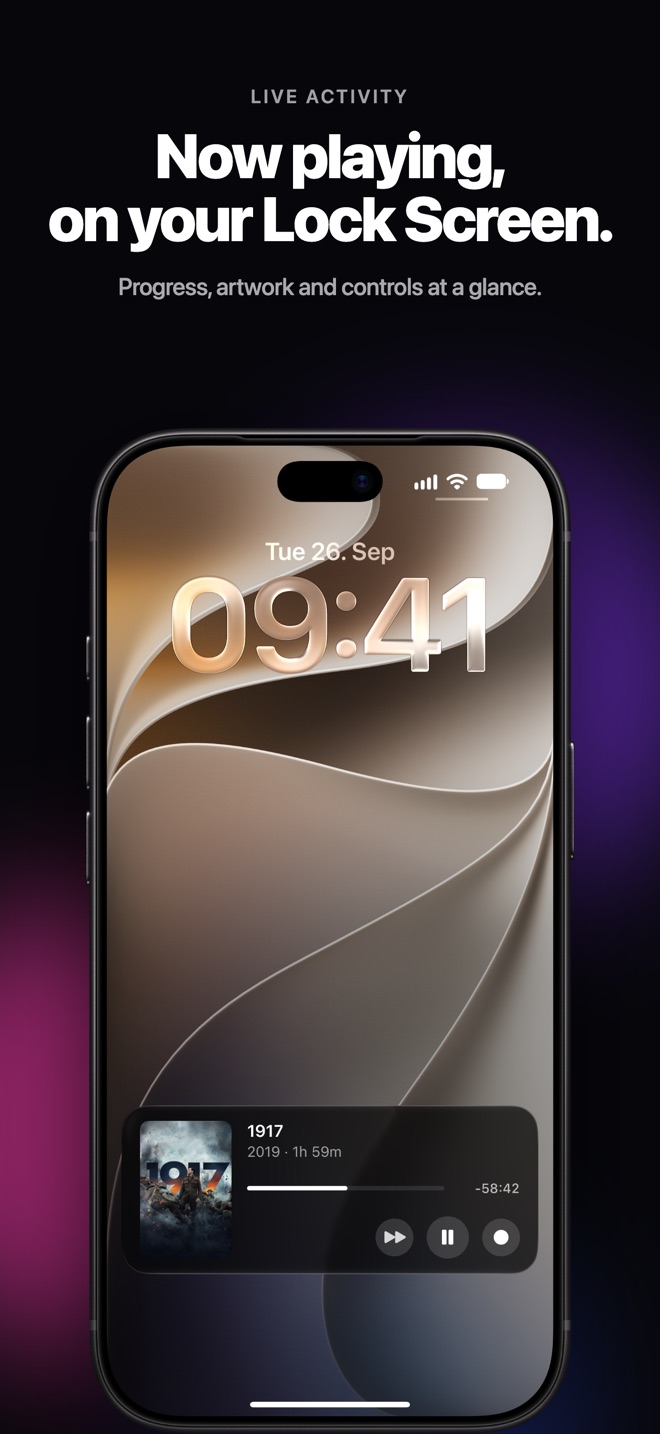
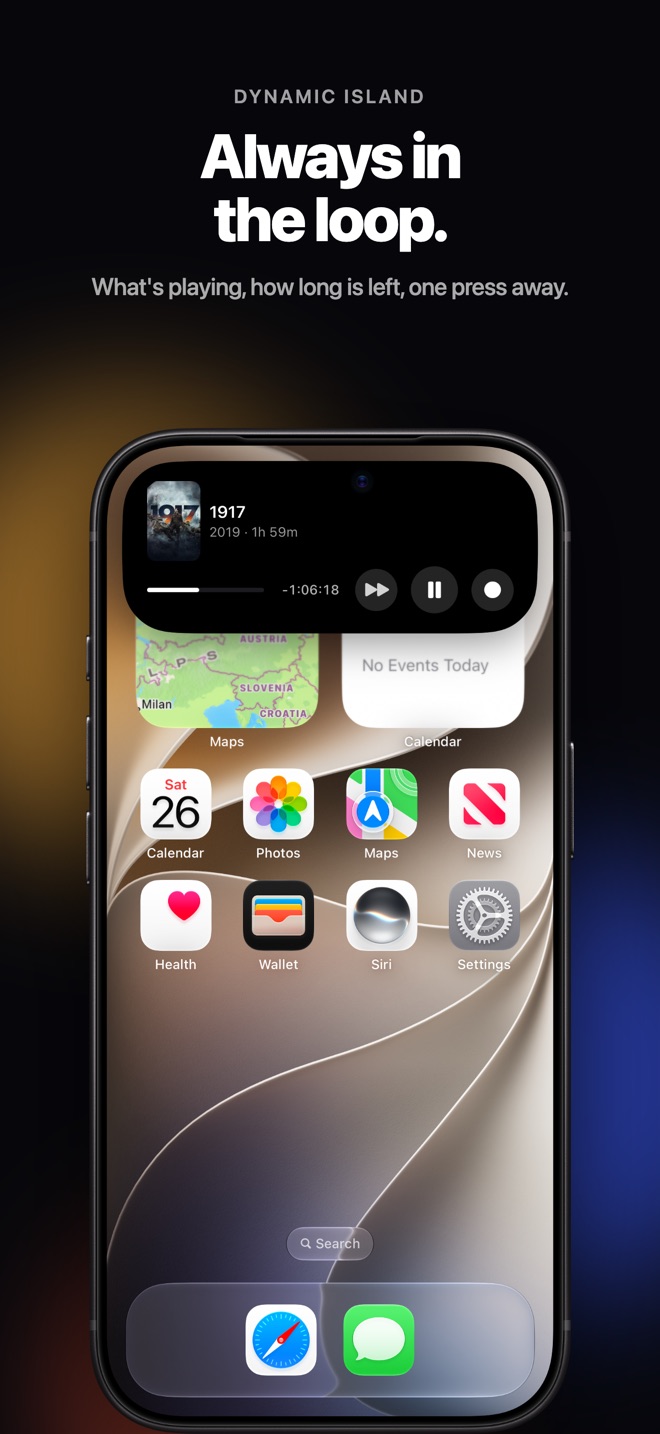
See what's playing with artwork and live progress in the Live Activity and the Dynamic Island, with controls one press away.
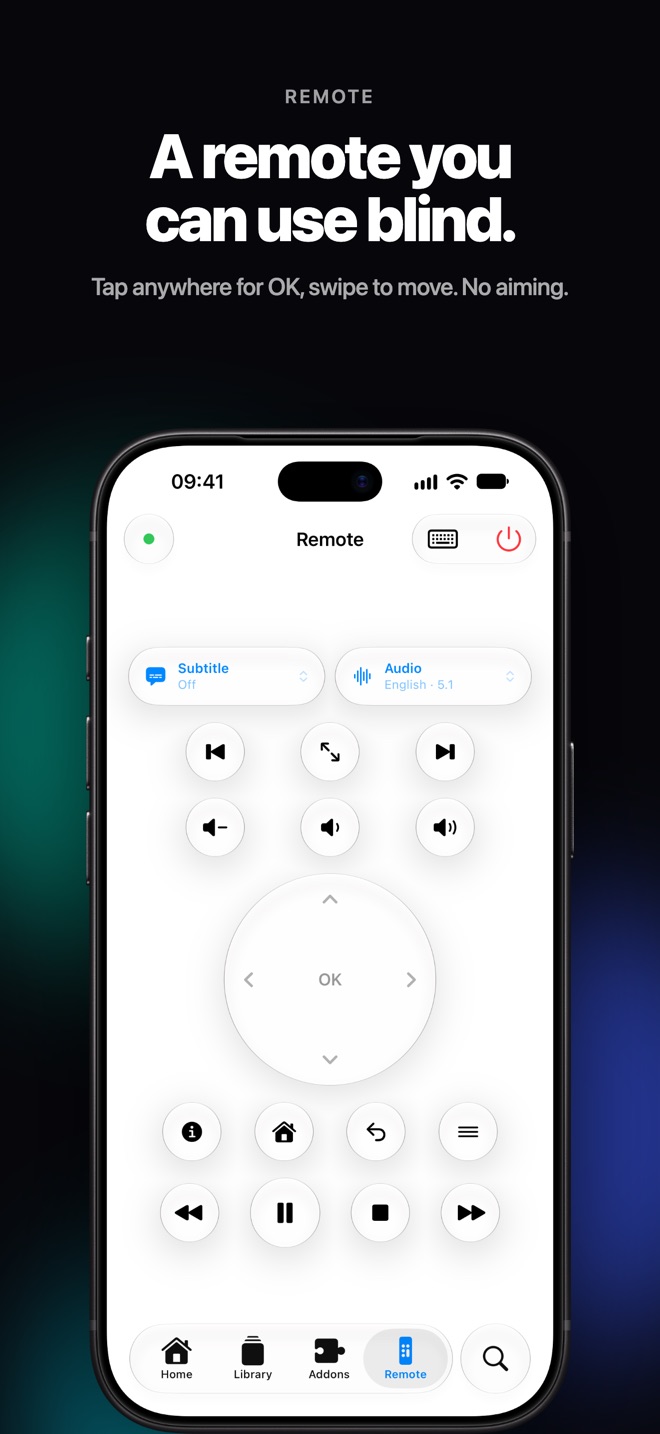
A Remote You Can Use Blind
Tap anywhere on the trackpad for OK, swipe to move, hold to keep scrolling. No aiming, just haptics.
Instant Connect
No IP addresses. No manual setup. Koda finds your Kodi automatically on your local network.
Completely Private
No accounts, no analytics, no tracking. Your iPhone talks directly to your Kodi device. Nothing ever leaves your network.
Native iOS Feel
Liquid Glass design, haptic feedback and Dark Mode. Built from scratch for iPhone. Not a port.
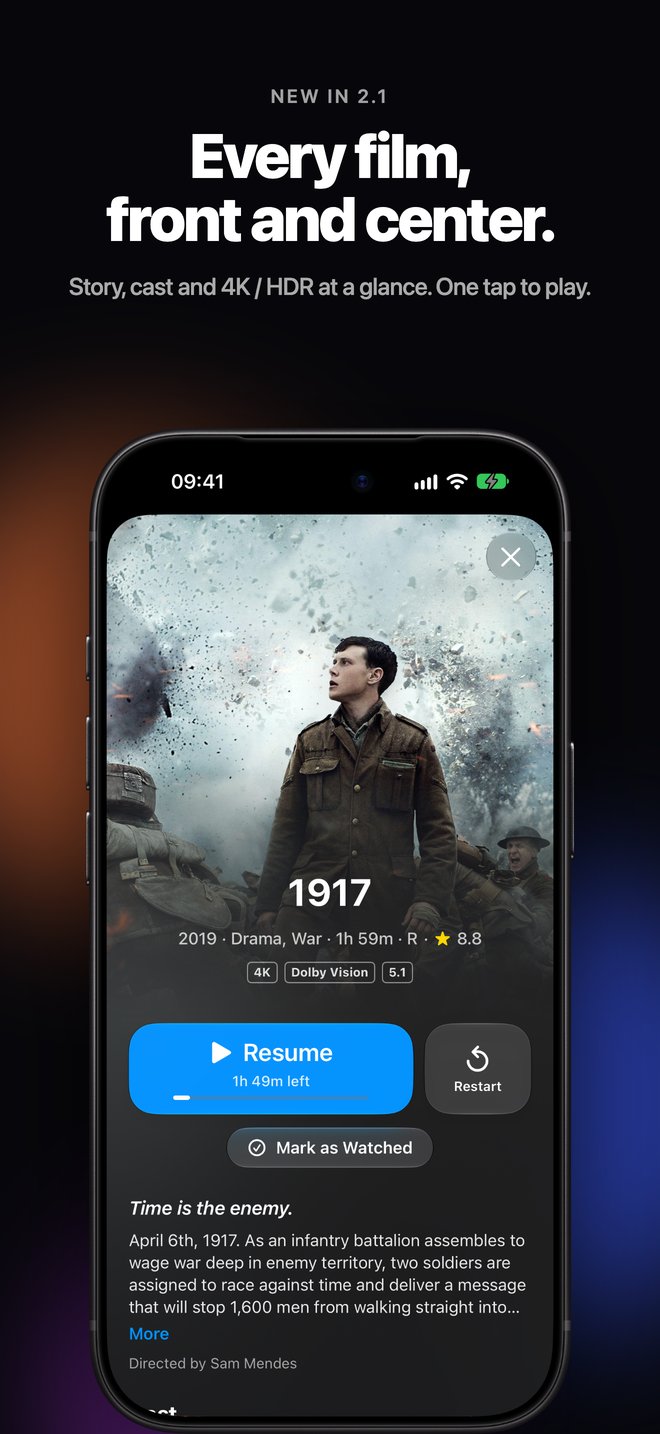
See it in action.
Common Questions
Download Koda from the App Store, make sure your iPhone is on the same Wi-Fi network as your Kodi device, and open the app. Koda automatically finds your Kodi media center, no IP address or configuration needed. You're in control in seconds.
Yes, there is an official Kodi remote app for iOS, but Koda is built natively for iPhone with an up-to-date design and a simpler, more focused interface. The name and icon were reviewed and accepted by the Kodi Foundation.
Koda has been tested with LibreELEC. As long as your Kodi device is on the same local network as your iPhone, Koda will find and connect to it automatically.
Yes. Koda Remote is completely free with no hidden costs, subscriptions, or in-app purchases.
Yes. Koda Remote runs on both iPhone and iPad running iOS 26 or later.
Koda supports Kodi v21 Omega and newer. It has been tested with LibreELEC.
None. Koda communicates directly between your iPhone and your Kodi device. No accounts, no analytics, no usage data. Nothing ever leaves your local network.