The Kodi Remote
for iPhone.
A free, privacy-first remote control app for your Kodi media center. Native iOS design, instant auto-discovery, zero configuration.

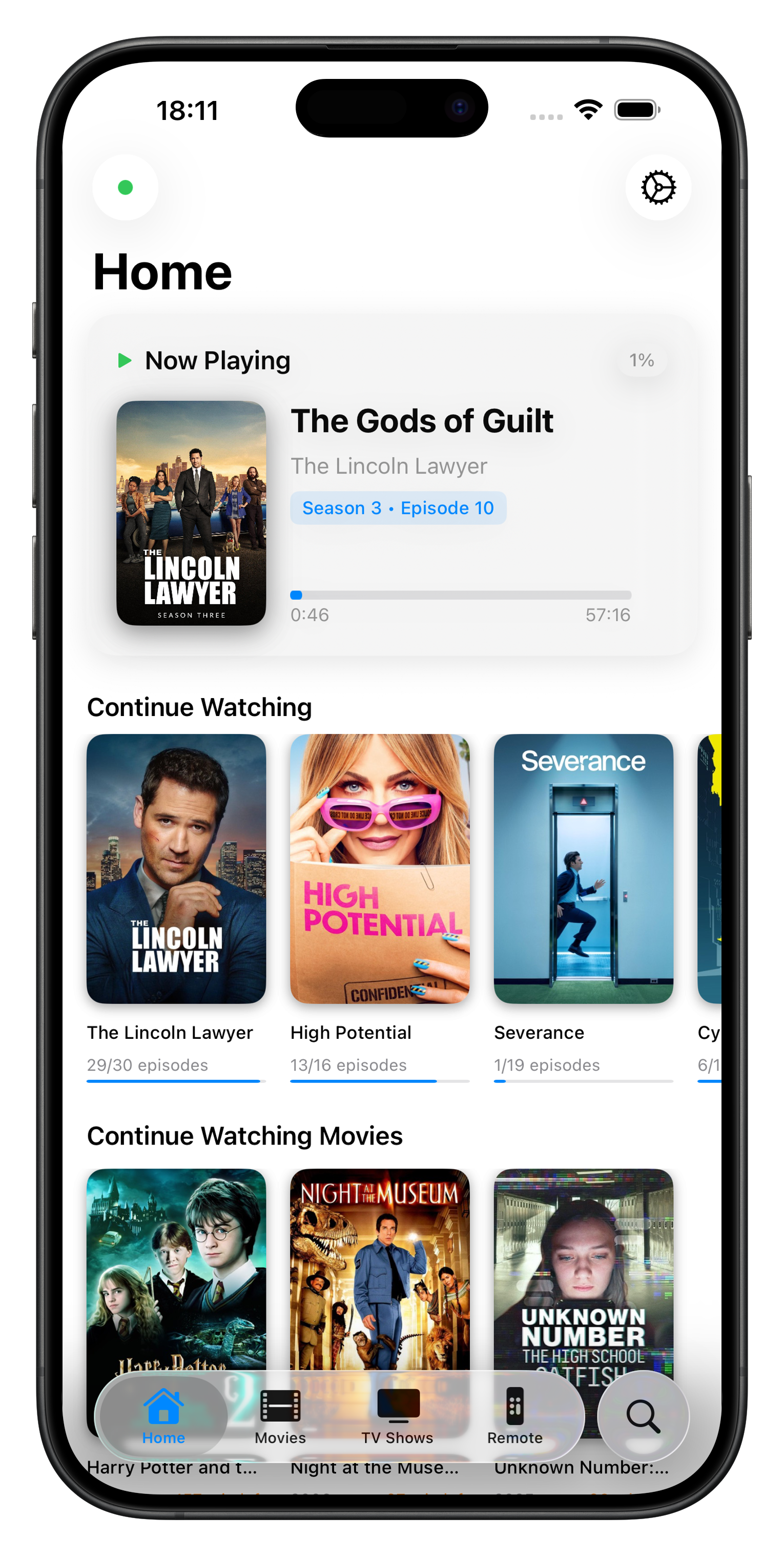
Set up your Kodi remote in seconds.
Download
Get Koda for free on the App Store.
Connect
Make sure your iPhone is on the same WiFi as Kodi.
Control
Koda finds your device instantly. You're done.
The Kodi remote iPhone deserves.
Instant Connect
No IP addresses. No manual setup. Koda finds your Kodi automatically on your local network. Open the app and you are in control.
Completely Private
No accounts, no analytics, no tracking. Your iPhone talks directly to your Kodi device. Nothing ever leaves your network.
Native iOS Feel
Haptic feedback, Dark Mode, Liquid Glass design. Built from scratch for iPhone. Not a port.
Simple by Design
Just the controls you actually use. A focused remote that does one thing well.
Common Questions
Download Koda from the App Store, make sure your iPhone is on the same Wi-Fi network as your Kodi device, and open the app. Koda automatically finds your Kodi media center, no IP address or configuration needed. You're in control in seconds.
Yes, there is an official Kodi remote app for iOS, but Koda is built natively for iPhone with an up-to-date design and a simpler, more focused interface. The name and icon were reviewed and accepted by the Kodi Foundation.
Koda has been tested with LibreELEC. As long as your Kodi device is on the same local network as your iPhone, Koda will find and connect to it automatically.
Yes. Koda Remote is completely free with no hidden costs, subscriptions, or in-app purchases.
Yes. Koda Remote runs on both iPhone and iPad running iOS 26 or later.
Koda supports Kodi v21 Omega and newer. It has been tested with LibreELEC.
None. Koda communicates directly between your iPhone and your Kodi device. No accounts, no analytics, no usage data. Nothing ever leaves your local network.